Icon of program: AvancePaint

AvancePaint for Windows

  • Free
  • 3.3
    67
  • 197K
  • V5.6.0
Free Download for Windows

View an ad to download for free

Simple painting editor with powerful tools

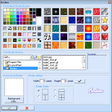
AvancePaint is a simple but powerful painting editor that gives you bunches of options when it comes to drawing on your computer.

Unlock your creativity with Adobe Stock

Get 10 images or 1 video with a free trial

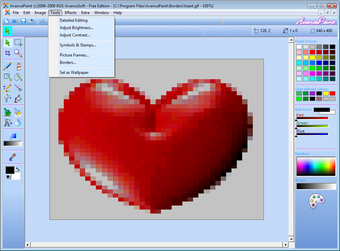
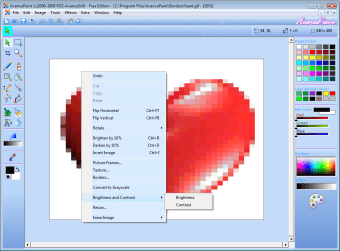
Admittedly, AvancePaint looks seriously out of date, and although the program is compatible with Windows Vista, its Help section is not. You shouldn't really let that bother you, however, as the program is easy to navigate and you'll be able to discover all the tools through trial and error.

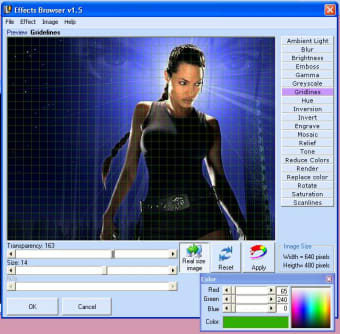
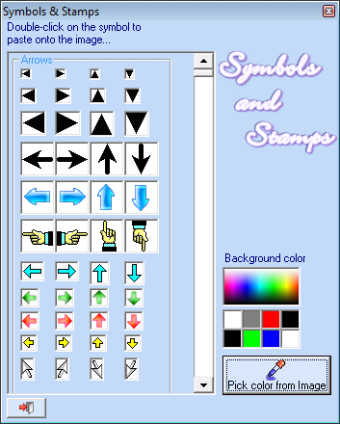
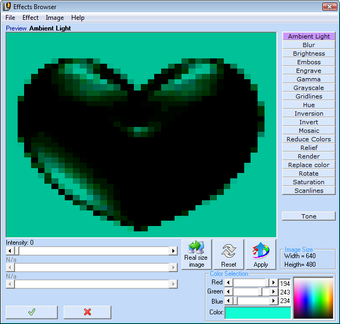
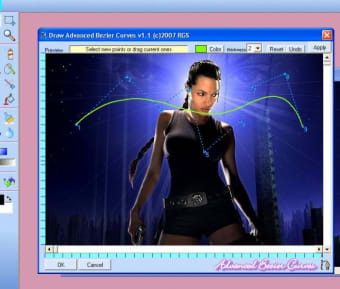
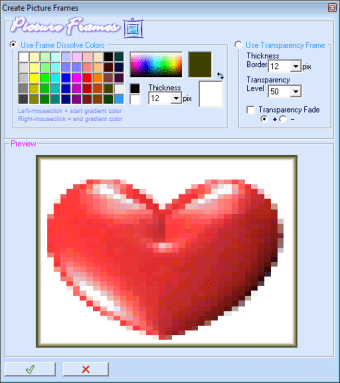
AvancePaint is very much a painting editor and a simple one at that, so don't expect Photoshop-like miracles. Even so, it hides a number of interesting tools and effects, and you should be able to use it to produce very interesting art. AvancePaint will allow you to set your pictures as a wallpaper, create profiles and add effects like borders, frames and symbols.

AvancePaint is best thought of as a feature-packed alternative to Paint, and as such, it does a good job. Unfortunately, its appearance is pretty off-putting, but if you can get past that, you'll have a lot of fun creating pictures with AvancePaint.

Simple, feature-packed editing power for your pictures - AvancePaint.

New: Detailed Editing Mode New: Snap to Grid! New in Tools: "Color Depth and Dither Control"-> Change color depth and/or dithering on selection or the entire image or parts! New: Hard Spray when using Air Brush tool (Old School type of spray can, Thanks Mike West for the tip) New: Export to BMP with Color Depth and Dither Control - (Pro-edition) New: Export and import PNG-files! (Pro-Edition) New look of the toolbar option buttons and major cosmetic changes throughout the program Toolbar has some functions replaced for ease New: Picture Frames New: Option in Pencil "Smooth Edges" (raindrop icon) New: Option in Pencil-> Colormix pencil(s) gives now a smooth follow of color (gradient style) option to enable gradient style or scattered User color Pencil-tool gave wrong color: fixed New: borders shows default fore- and background color used during painting New: "Set as Wallpaper" in menu Tools: create in one click a wallpaper on your desktop from your drawing


  • Pros

    • Loads more functionality than paint
    • Some fun features
    • Nice effects
  • Cons

    • Old fashioned
    • Help not compatible with Vista
    • No advanced features like layers
 0/7

App specs

  • Developer

    • RGS-Avance Software
  • License

    Free

  • Version

    5.6.0
  • Latest update

  • Platform

    Windows

  • OS

    Windows ME

  • Language

    English

  • Downloads

    197K

    Last month's downloads

    • 49
  • Size

    2.47 MB

Program available in other languages


Icon of program: AvancePaint

AvancePaint for PC

  • Free
  • 3.3
    67
  • 197K
  • V5.6.0
Free Download for PC

View an ad to download for free


User reviews about AvancePaint

3.3

1 reviews

Add review

Main reviews for you

  • Anonymous user

    A fairly good free paint program. I tested the free AvancePaint for half an hour and I found it to be quite capable once you learn how to use it. It lacks natural brushes but you can compensate for that by using a combination of the tools and effects. The earlier reviewer said that the help file doesn't work in Windows Vista, but it it works. You just have to follow the instructions and update Vista with an update which allow you to use help files of the older type.Roger J.

More

You may also like

Alternatives to AvancePaint

Explore Apps

Latest articles

Laws concerning the use of this software vary from country to country. We do not encourage or condone the use of this program if it is in violation of these laws.
Softonic

Is AvancePaint safe?

96/100

Score result: Clean

This file passed a comprehensive security scan using VirusTotal technology. It is safe to download.

  • Virus free
  • Spyware free
  • Malware free
  • Verified by Security Partners

    VirusTotal logo

Scan Info

Last scan
Thursday, April 3, 2025
Scan provider
VirusTotal · Full report

File Integrity

File
AvancePaint_Setup.exe
SHA256
f083445c5ec0c7ad55cc52f58d983bee22b25fb5151170a3c0f3509901bc43ca
SHA1
32415a8becefc1998293300f21f35df069a630c7

Softonic security commitment

AvancePaint has been thoroughly scanned by our advanced security systems and verified by industry-leading partners. This file comes from the official developer and has passed all our security checks, showing no signs of viruses, malware, or spyware. For more information, visit our Security and Trust Center
Signed in to Softonic as